
Chart Utilities
TradingView
CBC Flip with Volume
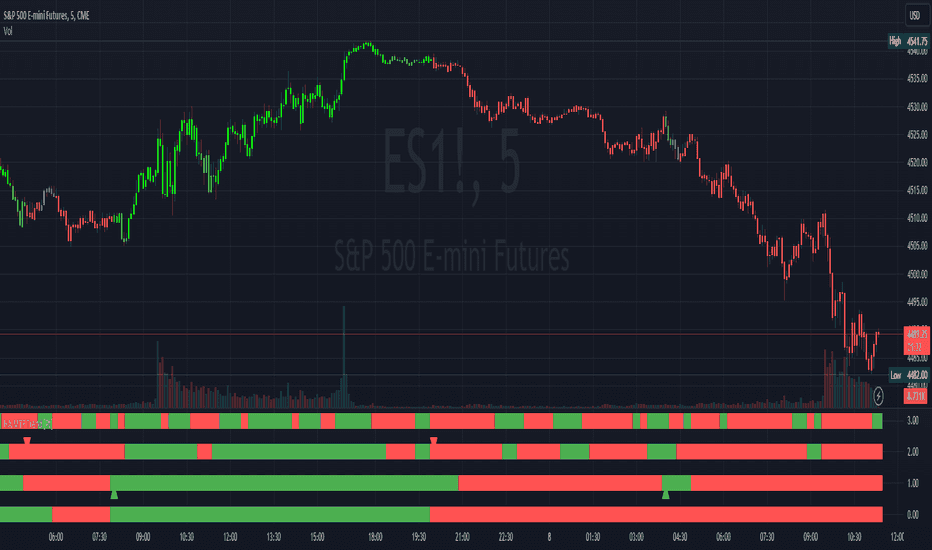
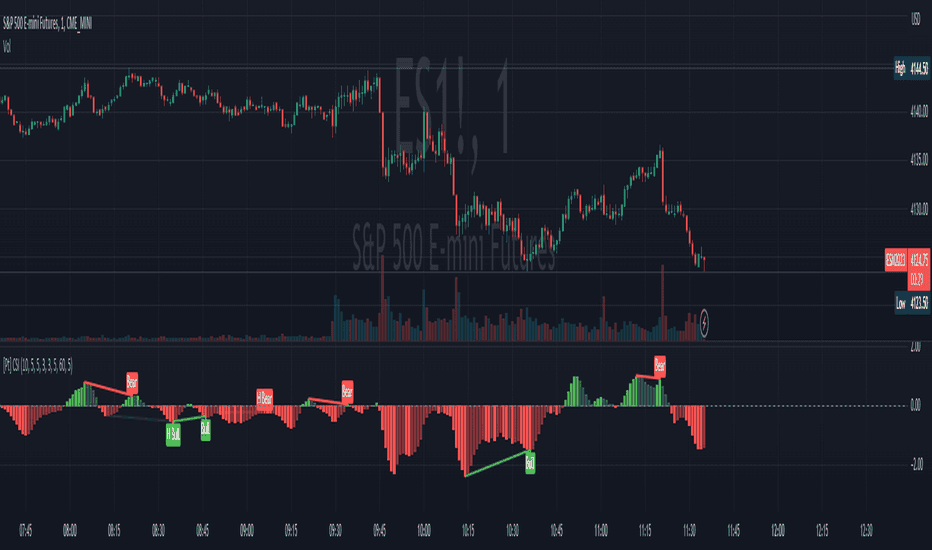
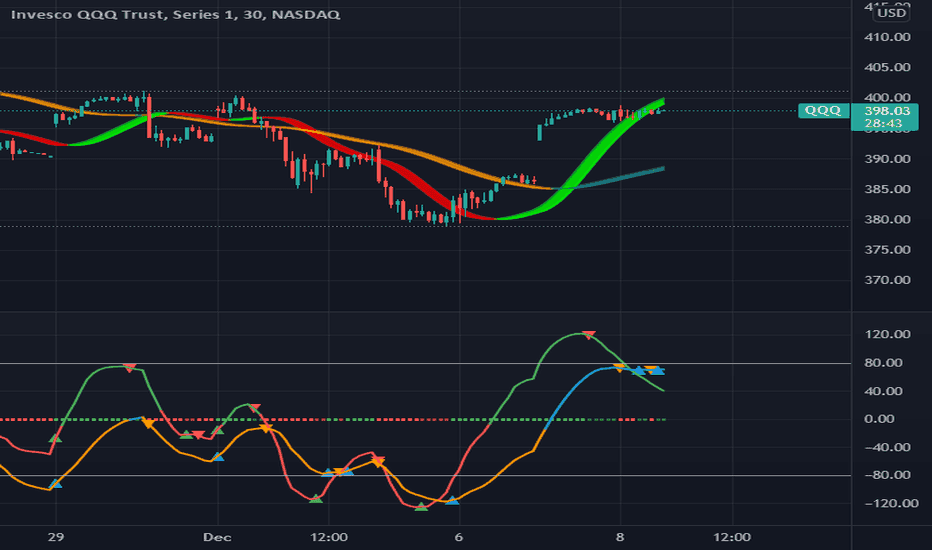
Inspect price-action control changes with volume context.
- Price-action control flips
- Volume filtering
- Pine Screener outputs
The analytical question
What additional context would make this chart easier to read?
Price-action control flips with volume filtering and Pine Screener outputs.
Explore the publication and release notesFrom publication to chart
Set up with the right inputs.
Start with TradingView access, then confirm the data and settings for this tool.
Open the linked TradingView publication and review its current requirements.
Add the indicator or strategy to your TradingView chart.
Review the volume filter and choose chart or Pine Screener use as described in the publication.
Need help with access or missing data? Visit support.
More on TradingView
Explore the same question.
Compare the differences before adding another tool to your workflow.