
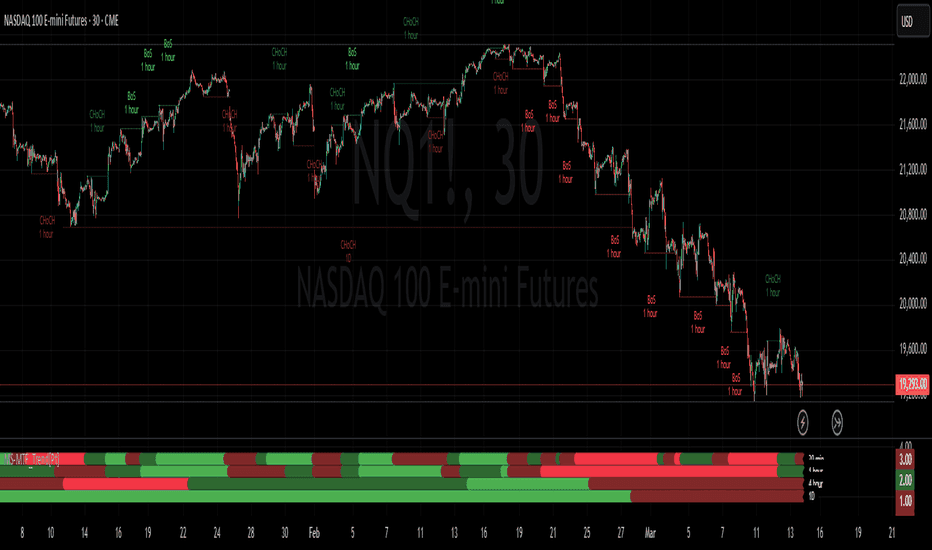
Market Structure MTF Trend
Follow swing structure across timeframes with clear chart labels.
Display customizable retracement levels around ZigZag pivots.
The analytical question
ZigZag/Fibonacci modification with customizable retracement levels and latest-pivot option.
Explore the publication and release notesFrom publication to chart
Start with TradingView access, then confirm the data and settings for this tool.
Open the linked TradingView publication and review its current requirements.
Add the indicator or strategy to your TradingView chart.
Choose the retracement levels and whether to focus on the latest pivot.
Need help with access or missing data? Visit support.
More on TradingView
Compare the differences before adding another tool to your workflow.
Follow swing structure across timeframes with clear chart labels.
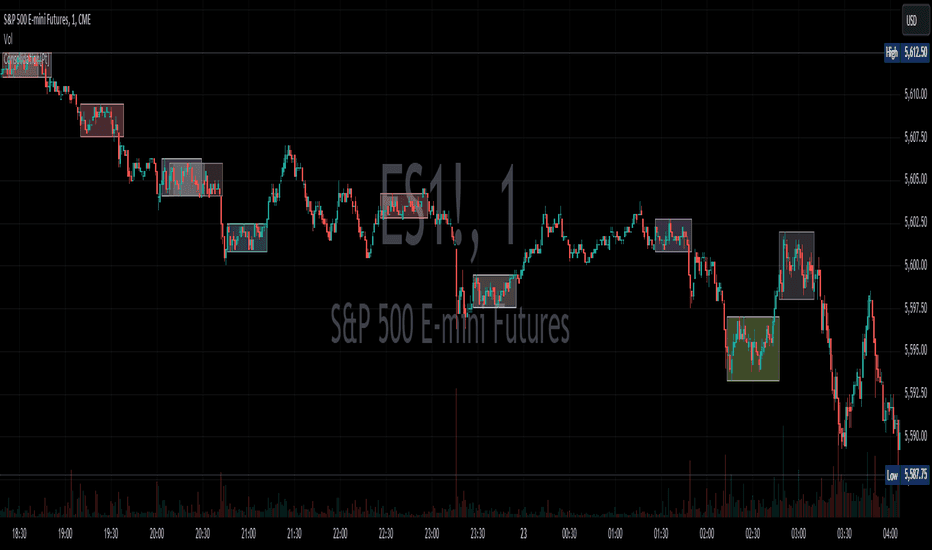
Highlight established sideways ranges and their boundaries.
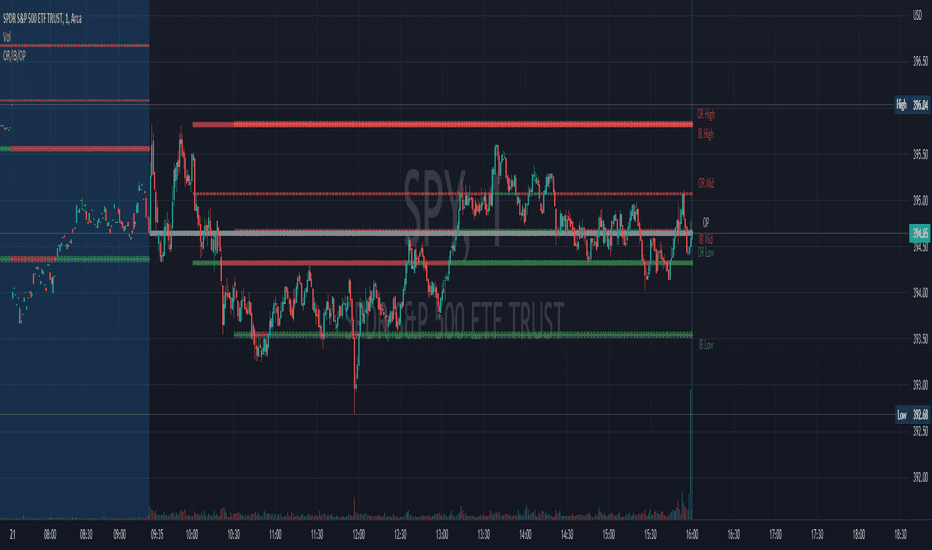
Keep session opening references visible on the chart.