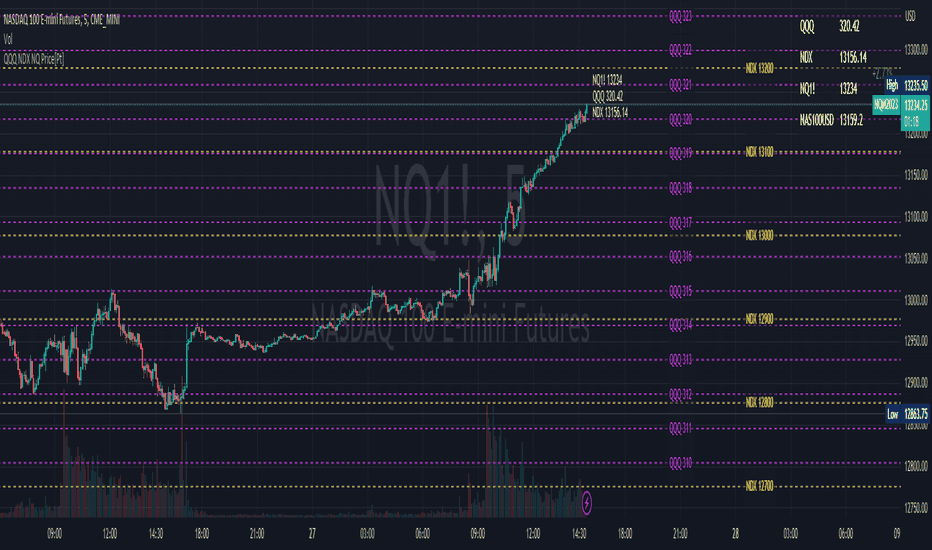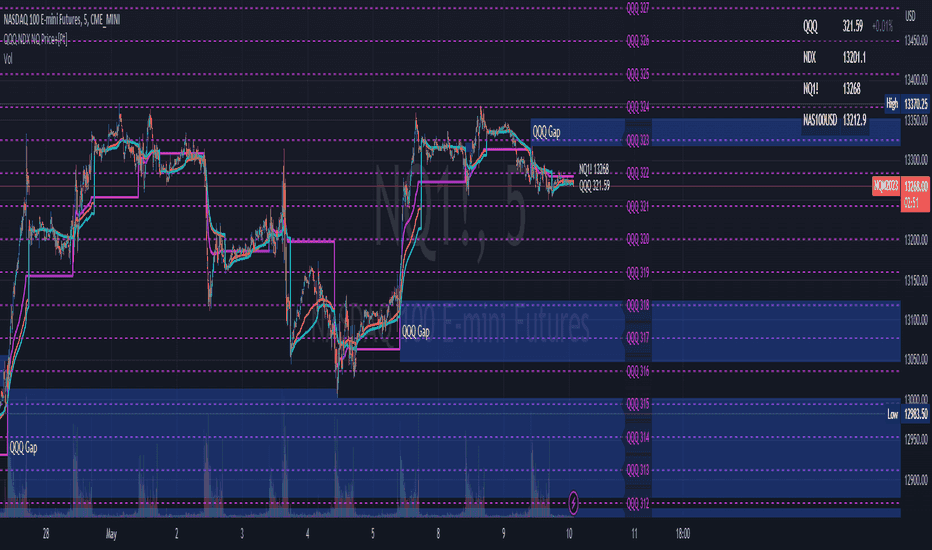

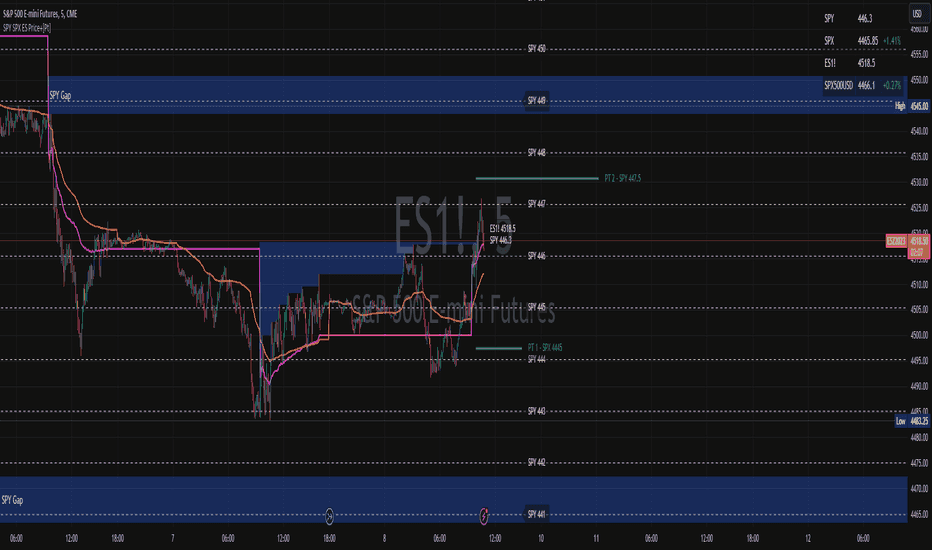
SPY / SPX / ES Converter+
Bring index levels, VWAP and gaps into one related-market view.
Request free trial14 days · No payment required
Translate corresponding levels across SPY, SPX and ES.
The analytical question
Maps corresponding levels for SPY/SPX/ES and configurable correlated instruments; customizable lines and price table.
Explore the publication and release notesFrom publication to chart
Start with TradingView access, then confirm the data and settings for this tool.
Open the linked TradingView publication and review its current requirements.
Add the indicator or strategy to your TradingView chart.
Review the SPY, SPX and ES symbol inputs and select the mapped levels to display.
Need help with access or missing data? Visit support.
More on TradingView
Compare the differences before adding another tool to your workflow.
Bring index levels, VWAP and gaps into one related-market view.
Compare corresponding Nasdaq ETF, index and futures levels.
Map Nasdaq-family levels with VWAP, gaps and custom targets.