
Price Range Volume Profile++ · Footprint
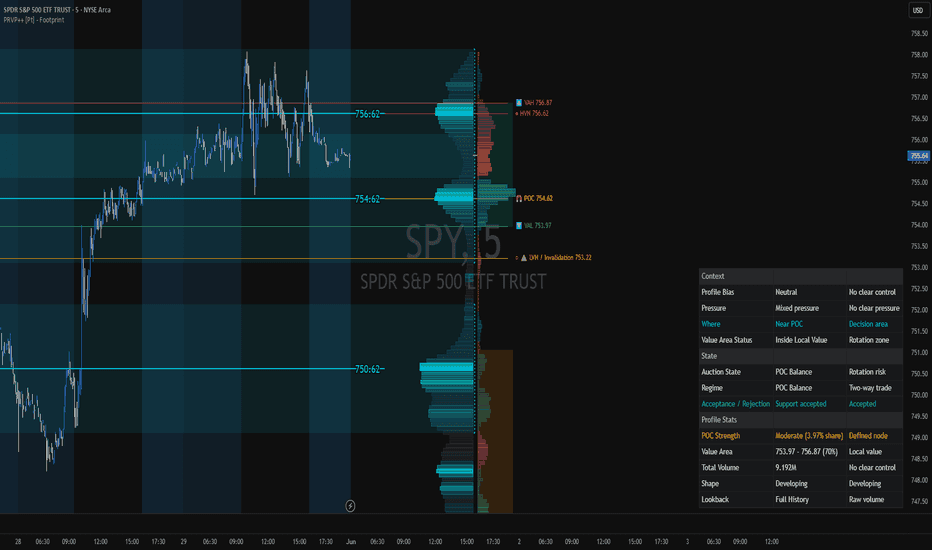
Explore volume nodes with footprint-based directional and auction context.
Request free trial14 days · No payment required
Compare recurring volume profiles with flexible display and POC history.
The analytical question
Advanced configurable periodic profiles with total/up-down/gradient display, per-row ticks and historical POC controls.
Explore the publication and release notesFrom publication to chart
Start with TradingView access, then confirm the data and settings for this tool.
Open the linked TradingView publication and review its current requirements.
Follow the current purchase instructions; invite-only access must be granted to your TradingView username.
Choose the profile period, row size and display mode, then review historical POC settings.
Need help with access or missing data? Visit support.
More on TradingView
Compare the differences before adding another tool to your workflow.
Explore volume nodes with footprint-based directional and auction context.
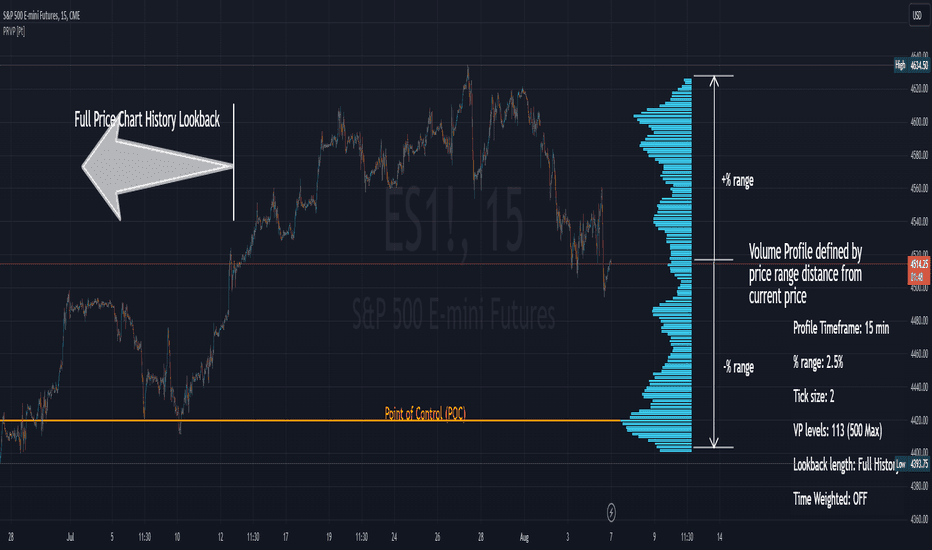
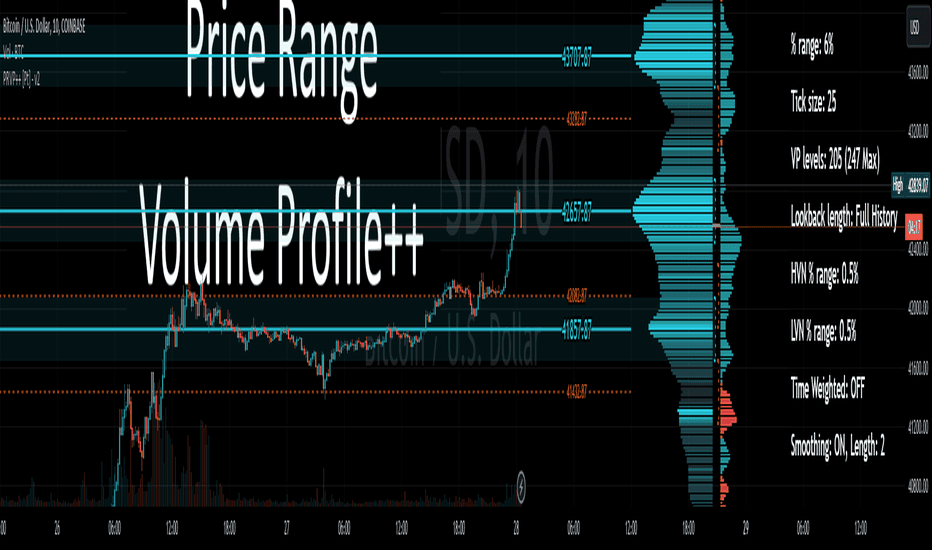
Inspect where volume accumulated within a selected price range.
Original PRVP++ edition, superseded by PRVP++ with Footprint. One price includes both versions.